
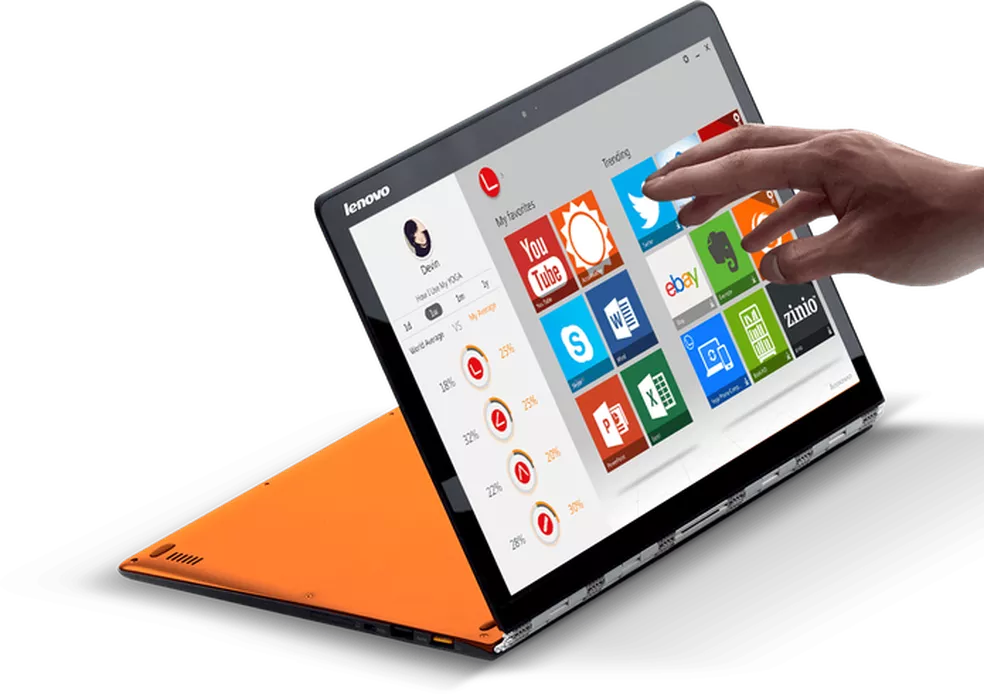
If you’re planning to keep an expensive laptop for five years or more, display longevity is something worth considering. OLED panels offer excellent image quality, but they also come with a potential risk of image retention when static elements remain on screen for long periods. For users who spend years working with the same apps, menus, taskbars, or other fixed interface elements, this is an important factor to keep in mind when choosing a long-term laptop.
Build quality and keyboard feel are also easy to overlook when comparing laptops by specifications alone. Benchmarks can tell you how fast a machine is, but they don’t tell you how it feels to use every day or how well it will hold up to constant handling. The ThinkPad X1 Carbon, for example, has built a strong reputation for its durable construction and excellent keyboard. Meanwhile, some ultra-thin and lightweight laptops make compromises in areas such as structural rigidity and key travel to achieve a slimmer and lighter design.
With that in mind, choosing the right laptop isn’t just about comparing processors, displays, or benchmark scores. Long-term durability, keyboard comfort, portability, and display technology can have a major impact on the overall experience. The quick side-by-side comparison below highlights the key differences between these picks before we take a closer look at what each one has to offer.
| Product | Chip | Weight | Battery (rated) | Best For |
|---|---|---|---|---|
| Apple MacBook Air M4 | Apple M4 | 2.7 lbs (13″) | Up to 18 hours | Best overall ultrabook for most buyers |
| Lenovo ThinkPad X1 Carbon Gen 13 | Intel Core Ultra 7 258V | 2.48 lbs | Up to 15 hours | Best business ultrabook for keyboard and durability |
| ASUS Zenbook S14 OLED | AMD Ryzen AI 9 HX 370 | ~2.82 lbs | 12–13 hours mixed | Best OLED display and performance value |
| Dell XPS 13 9350 | Intel Core Ultra V | ~2.73 lbs | Up to 12+ hours | Best compact premium Windows ultrabook |
| LG Gram Pro 16 | Intel Core Ultra / AMD | ~2.8 lbs | Up to 22 hours | Best battery life in a full 16-inch body |
Apple MacBook Air M4
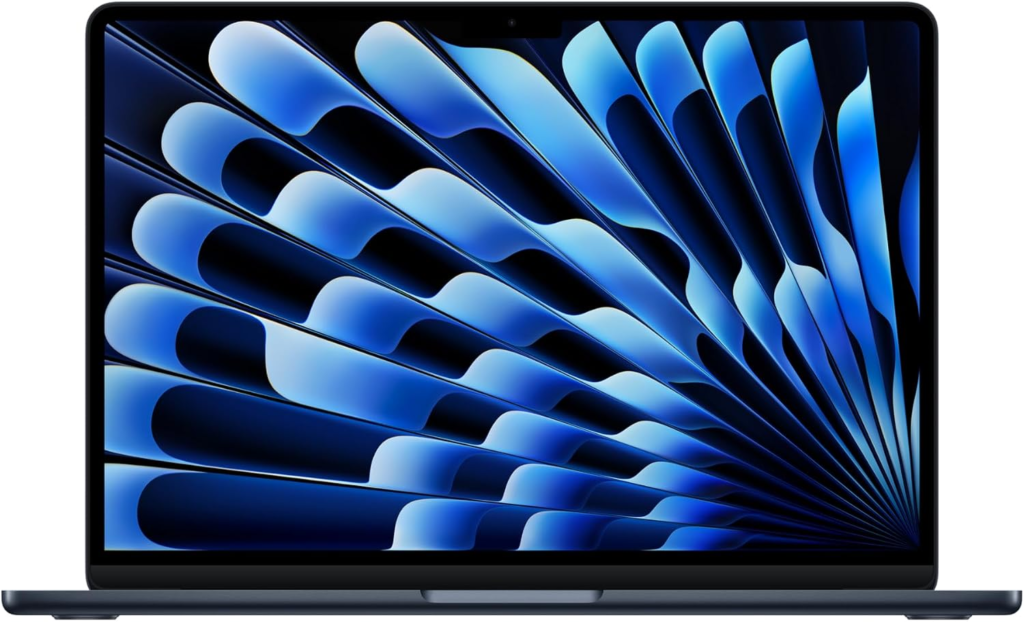
Trusted Reviews, Ultrabookreview, and Tom’s Hardware all converge on the MacBook Air M4 as the default recommendation for most ultrabook buyers, and the reasoning is straightforward rather than brand loyalty. The M4 chip’s performance-per-watt advantage over Windows alternatives is still real and measurable in both benchmarks and battery life — up to 18 hours rated, with real-world use typically landing between 12 and 15 hours depending on workload.
The base configuration now includes 16GB of unified memory rather than 8GB, which meaningfully extends the laptop’s useful life as software requirements grow. Build quality and trackpad remain class-defining. The honest considerations are equally clear: macOS is non-negotiable, RAM is soldered and cannot be upgraded after purchase, and the display is an IPS LCD rather than OLED at this tier.
Best for: most buyers who want the best combination of performance, battery life, and build quality in a thin laptop.
Lenovo ThinkPad X1 Carbon Gen 13
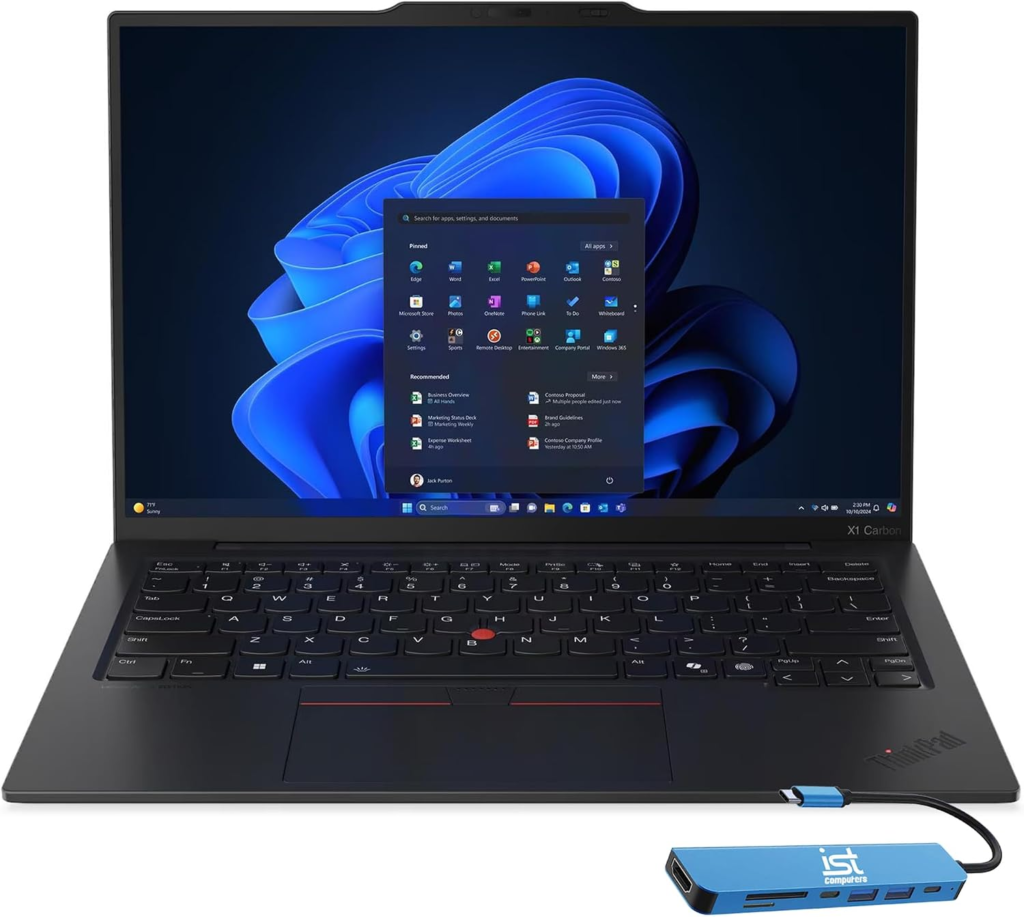
Multiple business-focused review sources including Newegg Insider named this the gold standard for business ultrabooks, and the reputation is backed by real advantages rather than brand inertia. At 1.12 kg (2.48 lbs), it is among the lightest 14-inch business laptops available, pairing that weight with a keyboard that independent testers and long-term owners consistently call the best available on any laptop.
The Intel Core Ultra 7 258V delivers strong performance-per-watt, and Intel Arc integrated graphics add enough GPU capability for video editing and data visualization without a discrete card. Enterprise features — fingerprint plus IR camera Windows Hello, optional LTE/5G connectivity, ThinkShield security suite — are more thoroughly implemented here than on most consumer ultrabooks. For professionals who genuinely type for hours daily and need a laptop that survives years of demanding use, no Windows alternative currently matches it.
Best for: business professionals and road warriors who prioritize keyboard quality, durability, and enterprise features above all else.
ASUS Zenbook S14 OLED
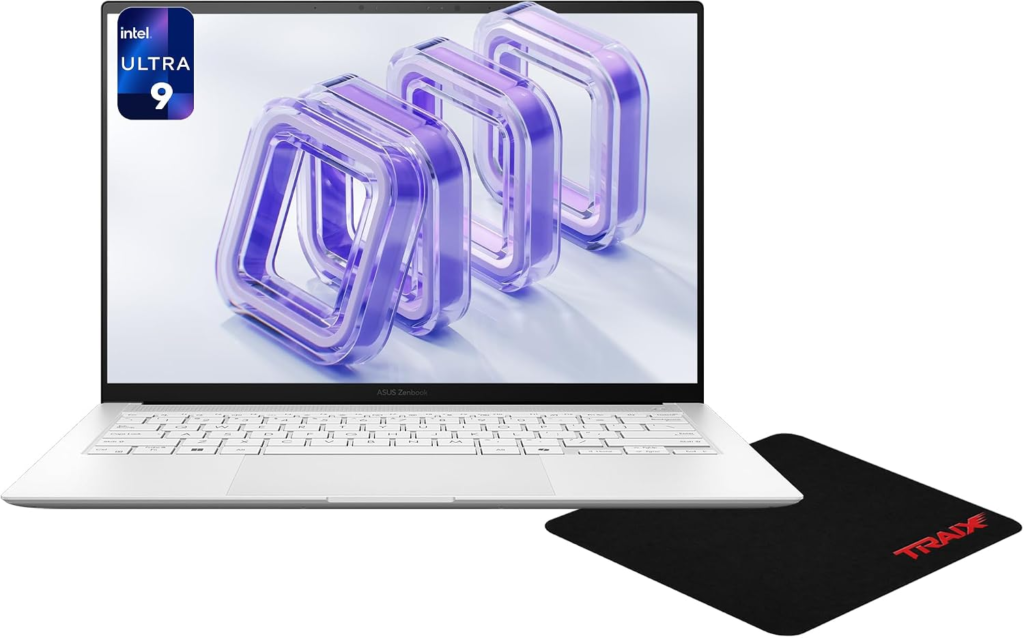
This is the pick that consistently appears as the best Windows ultrabook display at its price point, and the Newegg Insider guide specifically called it the best for design and creative work. Its 3K OLED panel delivers the visual quality that IPS LCD competitors can’t match for color accuracy, contrast, and overall sharpness — material for anyone doing photo editing, design work, or simply spending long hours in front of a screen.
The AMD Ryzen AI 9 HX 370 processor handles both productivity and light creative workloads smoothly, and a 75Wh battery delivers 12 to 13 hours under mixed real-world use. Benchmark testing logged over 14,000 points in Cinebench R23, which is genuinely strong for an ultra-thin design. The keyboard has 1.4mm key travel — comfortable for most users, though ThinkPad enthusiasts will notice the difference.
Best for: Windows users who want the best OLED display in a thin laptop for creative work and long-session visual comfort.
Dell XPS 13 9350
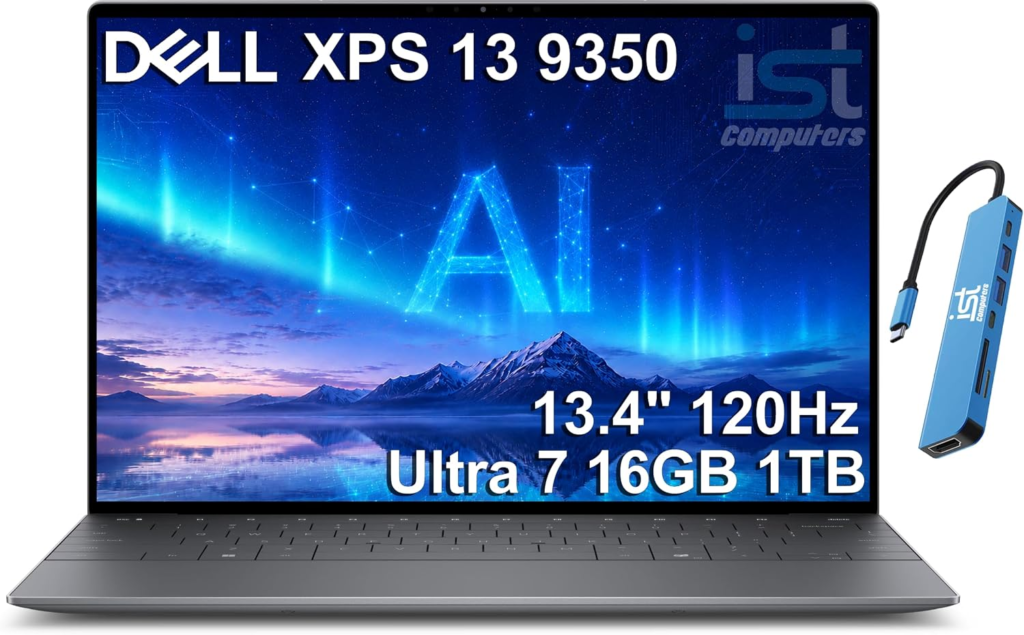
The XPS 13 is the Windows ultrabook that most people picture when they imagine a premium compact laptop, and the 9350 generation justifies that reputation while addressing previous complaints about port selection. The Core Ultra V processor handles productivity and light creative tasks smoothly in a chassis that remains one of the most refined industrial designs in the Windows laptop market.
Newegg’s guide specifically highlighted it as the best for design and creative work among compact options, with the Intel Core Ultra V’s efficiency characteristics keeping the chassis cool and quiet under typical loads. The trade-off that carries over from previous XPS 13 generations is limited port selection — a dongle or hub is a practical necessity for most workflows, which is worth factoring into the real cost.
Best for: buyers who want a compact, premium-feeling Windows ultrabook with strong performance for productivity and light creative tasks.
LG Gram Pro 16
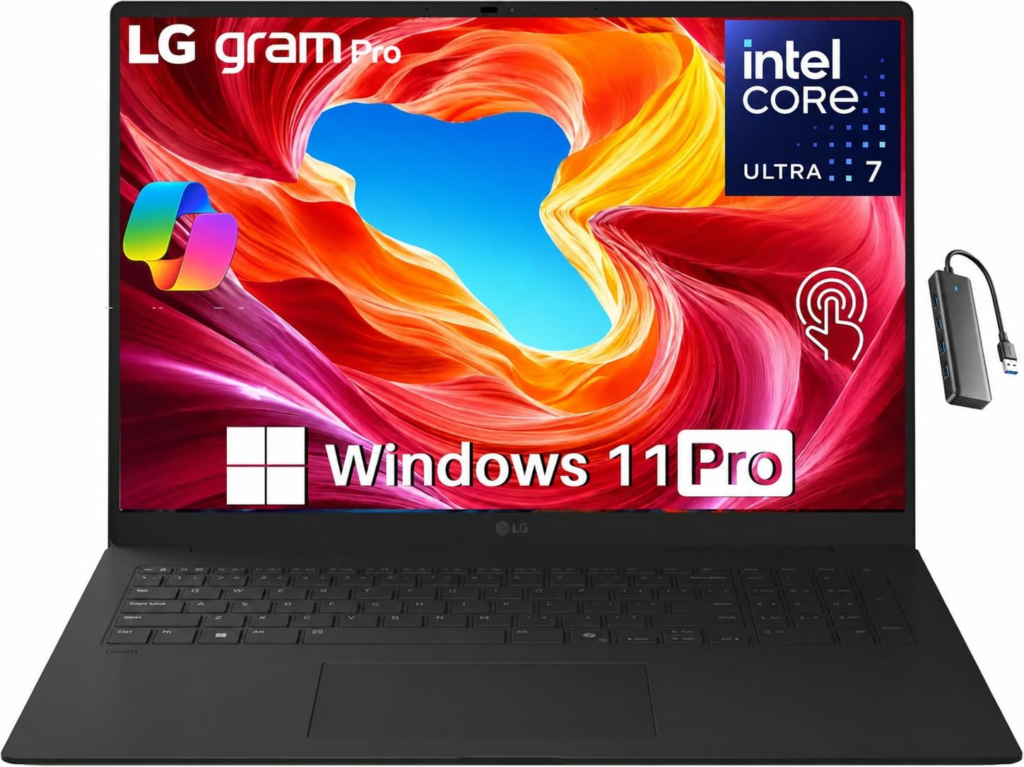
This is the pick for buyers who want a full 16-inch display without carrying the weight typically associated with that screen size, and it’s where LG’s engineering genuinely earns its reputation. Rated at up to 22 hours of battery life with real-world testing typically landing in the 14 to 18-hour range, it delivers more usable battery than almost any other laptop in the category.
At approximately 2.8 pounds for a 16-inch machine, the weight-to-screen-size ratio is remarkable. Military-grade MIL-SPEC durability testing results in a chassis that handles the bumps and drops of daily carry better than many more expensive alternatives. The trade-off compared to smaller ultrabooks is simple: 16 inches is 16 inches, and the footprint reflects that even if the weight doesn’t.
Best for: buyers who want a large 16-inch display for productivity and media without the weight penalty that size usually carries.
Frequently Asked Questions
Is a MacBook Air actually better than Windows ultrabooks in 2026, or is it just hype? For sustained performance and battery life in a thin fanless chassis, the M4 chip’s efficiency advantage is real and measurable rather than marketing. For software compatibility with Windows-specific tools, Windows machines are the only option. The right answer depends on your existing software commitments and ecosystem rather than which platform benchmarks higher in any specific test.
What’s the difference between Intel Core Ultra, AMD Ryzen AI, and Qualcomm Snapdragon X for ultrabooks? Intel Core Ultra offers the broadest Windows software compatibility and strong overall performance. AMD Ryzen AI delivers competitive performance-per-watt, often at a better price-to-performance ratio. Qualcomm Snapdragon X provides the longest battery life of the three Windows platforms but runs software through ARM emulation, which works well for most tasks but can surface compatibility issues with specialized software.
How much RAM do I actually need in a 2026 ultrabook? 16GB is the realistic minimum for comfortable long-term use — 8GB configurations now show strain under modern multitasking and will feel slow sooner than expected as software grows. 32GB is worth considering if you frequently work with large files, run virtual machines, or plan to keep the laptop for five or more years.
Is OLED worth paying more for in a laptop display? For creative work, color-accurate design tasks, and long daily viewing sessions, the contrast and color quality advantage over IPS LCD is genuinely meaningful. For typical office productivity, the difference matters less. The practical consideration for long-term ownership is that OLED panels can develop image retention with static interface elements over years of use, which is worth knowing before paying a significant premium.
How realistic are the battery life numbers manufacturers advertise? Treat them as best-case estimates measured at reduced brightness and minimal workload. Real-world mixed use typically delivers 60 to 75 percent of the rated figure — a laptop rated for 18 hours realistically provides 11 to 14 hours under normal conditions, which is still excellent, but knowing the gap avoids disappointment.
Do I need Thunderbolt 4 ports on an ultrabook? For connecting high-speed external drives, Thunderbolt docks, or external displays at full quality, Thunderbolt 4 is worth having. For typical daily use with standard USB-C peripherals, USB4 at 40 Gbps provides effectively identical real-world capability. The main practical difference shows up when connecting specialized Thunderbolt-certified accessories.
Is a 13-inch or 14-inch ultrabook large enough for serious work? For most productivity work including documents, spreadsheets, coding, and email, yes — especially with an external monitor at a desk. The limitation shows up in tasks that benefit from more screen real estate, like side-by-side document comparison or detailed photo editing, where a 15 or 16-inch screen makes a practical difference rather than just a size preference.
Should I buy the base configuration or pay to upgrade RAM and storage at purchase? On most modern ultrabooks, both RAM and storage are soldered and cannot be upgraded after purchase — including all MacBooks, most ThinkPads, and the majority of premium Windows ultrabooks. Whatever configuration you buy is the configuration you’ll have for the device’s entire life, which makes buying ahead of your current needs more important here than on a desktop.
The right ultrabook comes down to matching platform, display, and weight to your actual daily carry and workload — a road warrior who lives in airports has different priorities than a student who mostly works at a coffee shop. Double check current pricing on Amazon and manufacturer sites before buying, since ultrabook pricing shifts frequently around new chip launches and promotional events.
This article contains affiliate links.